Short writeups for coaches, course creators, archivists, and action-cam owners — anyone whose video folder structure outgrew Finder. New posts when there's something worth saying.
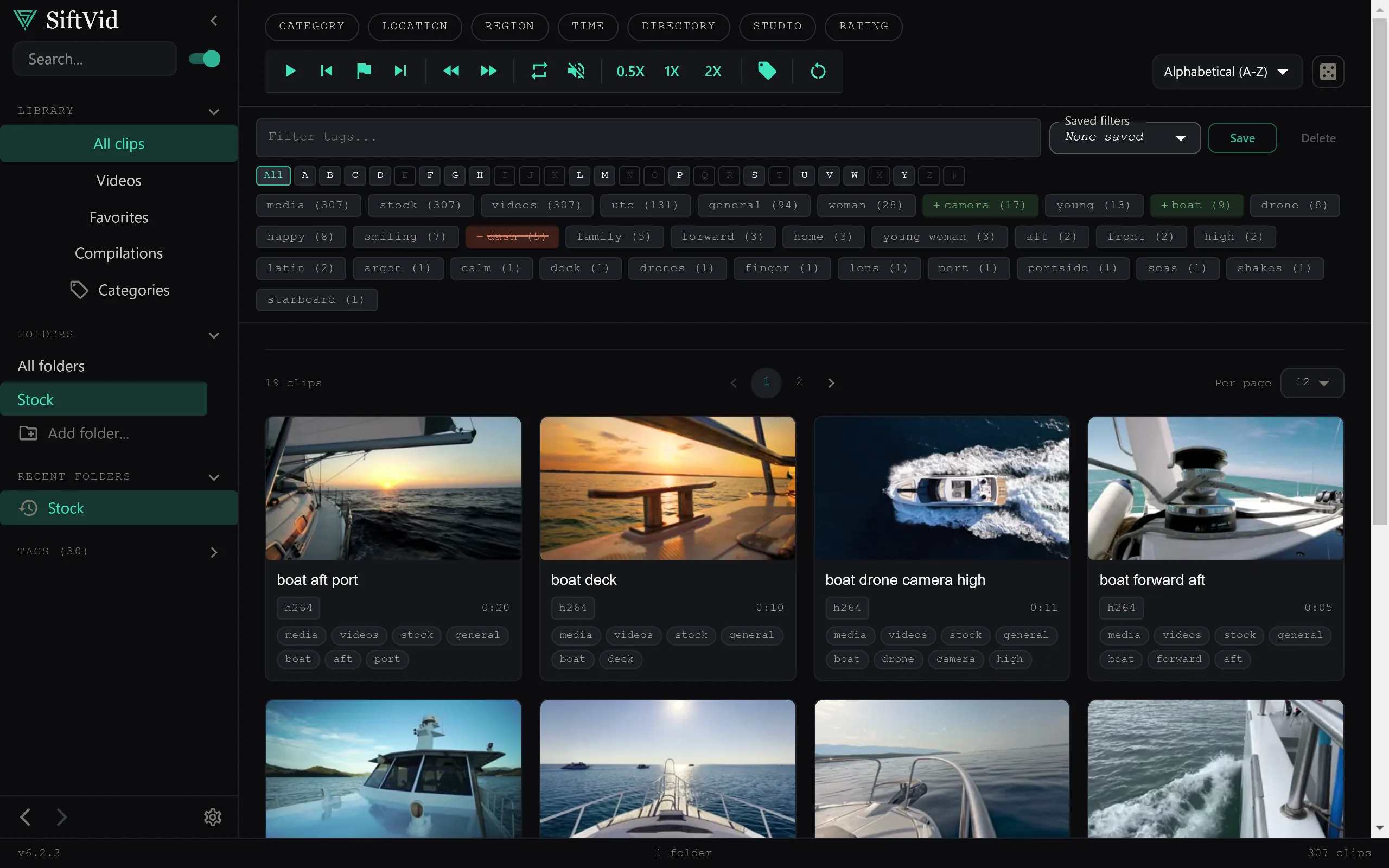
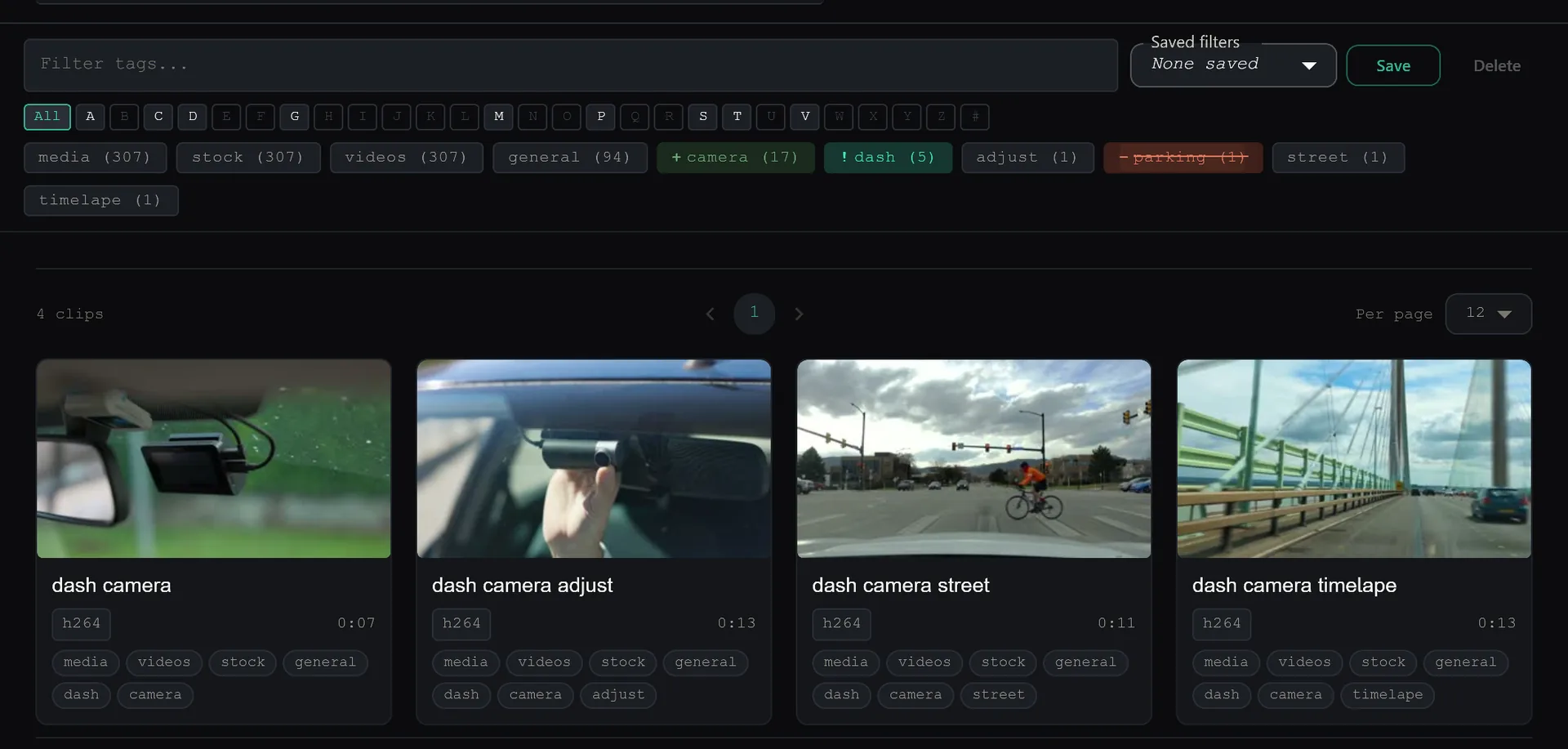
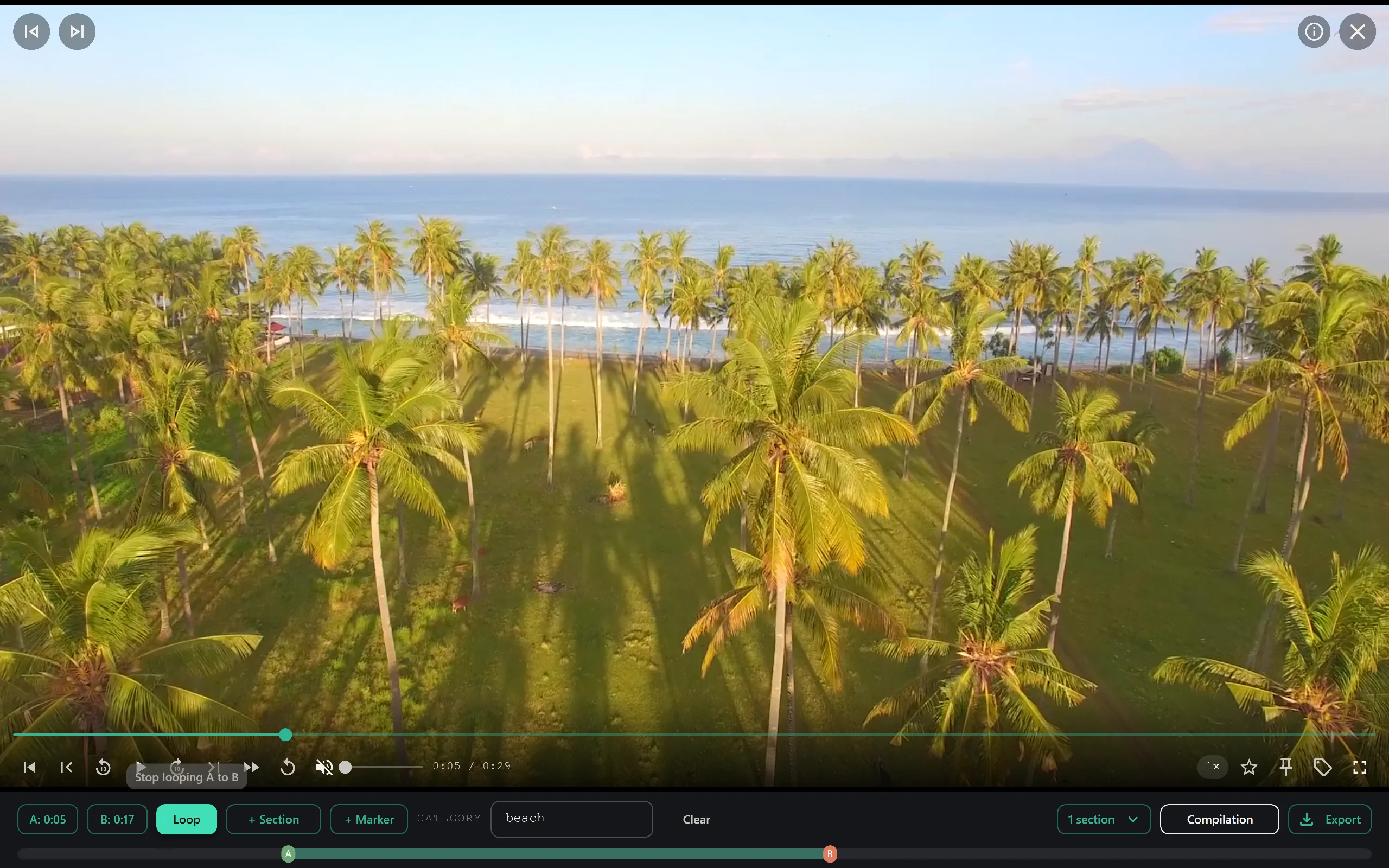
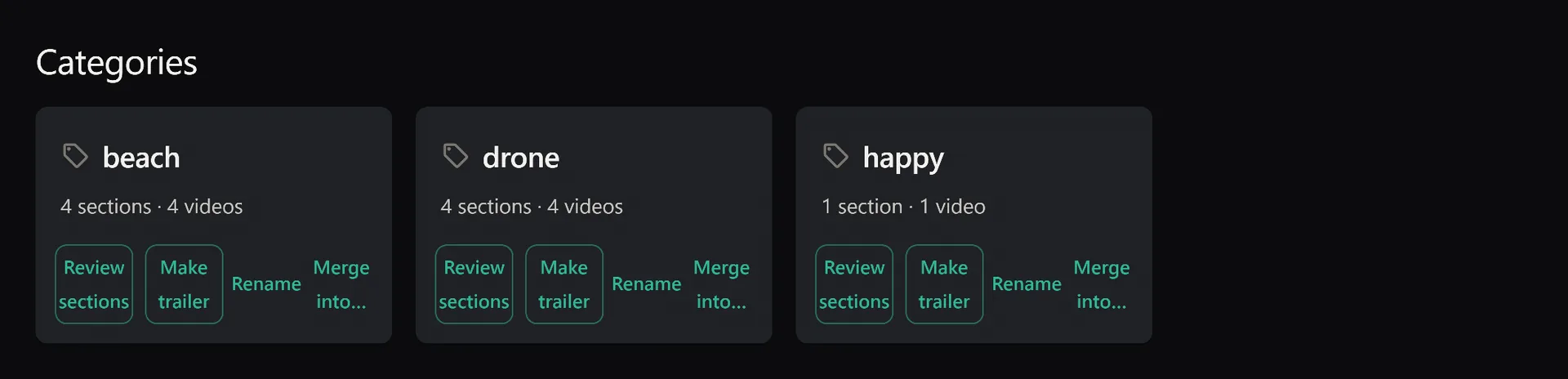
Auto-tags are great. But your tags are better. Here's how to build a tagging system that fits your workflow — ceremony clips, drone footage, coaching drills, or any category you define.
You forgot half your collection exists. The dice button brings it back. Filter first, then randomise — surface footage from years ago with one click.
50 go-to clips in a library of 10,000. Star them. Pin them to top. They stay visible while you sort and cull the rest — use locking to prevent accidental deletion.
First-time setup asks for folder permission. You might hesitate. Here's why this security prompt protects you, why we can't avoid it, and why you should trust us with access to your video folder.
Tried to select Downloads or System folders? Access denied. Here's why browsers block system folders, how to move your videos to a safe location in 60 seconds, and why this protects your computer.
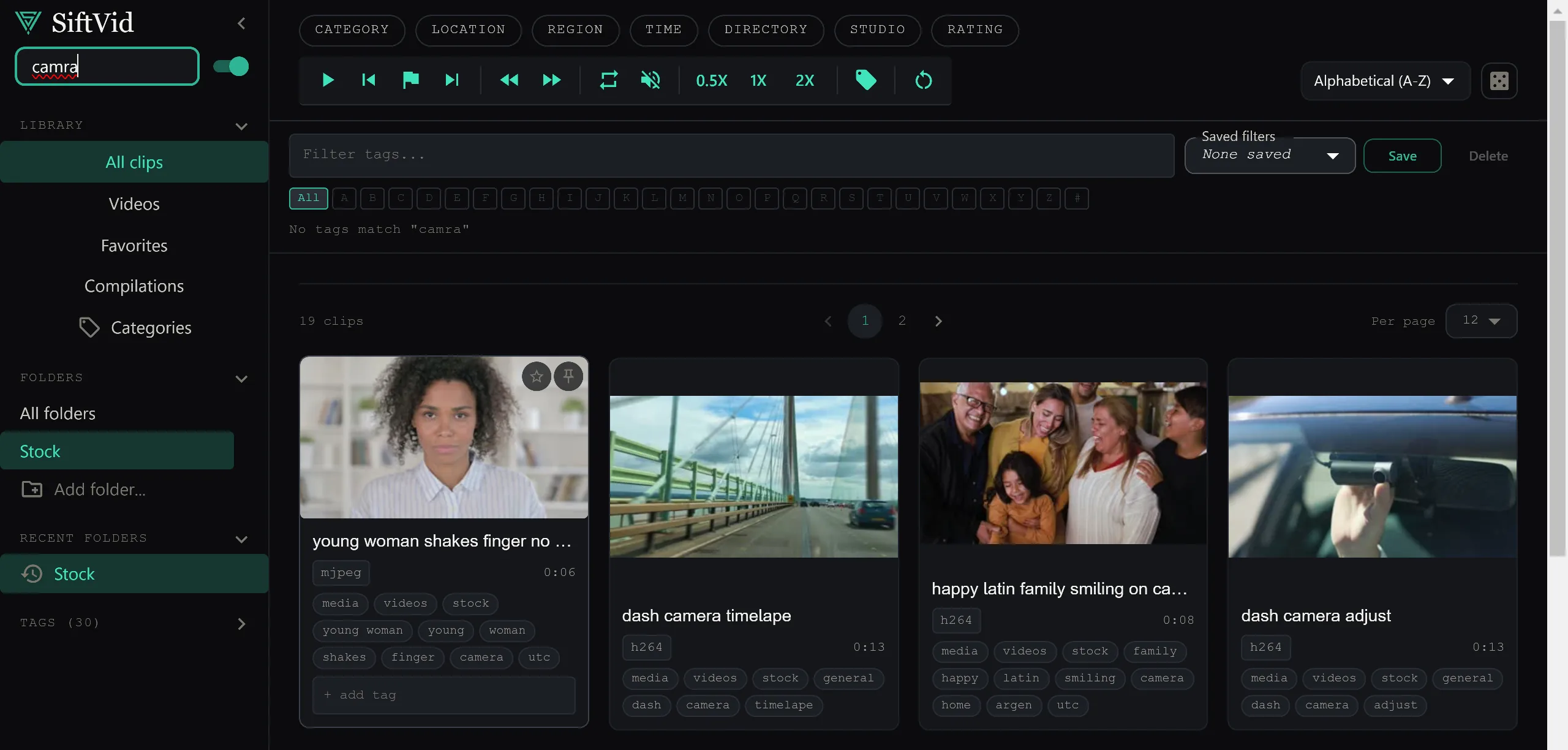
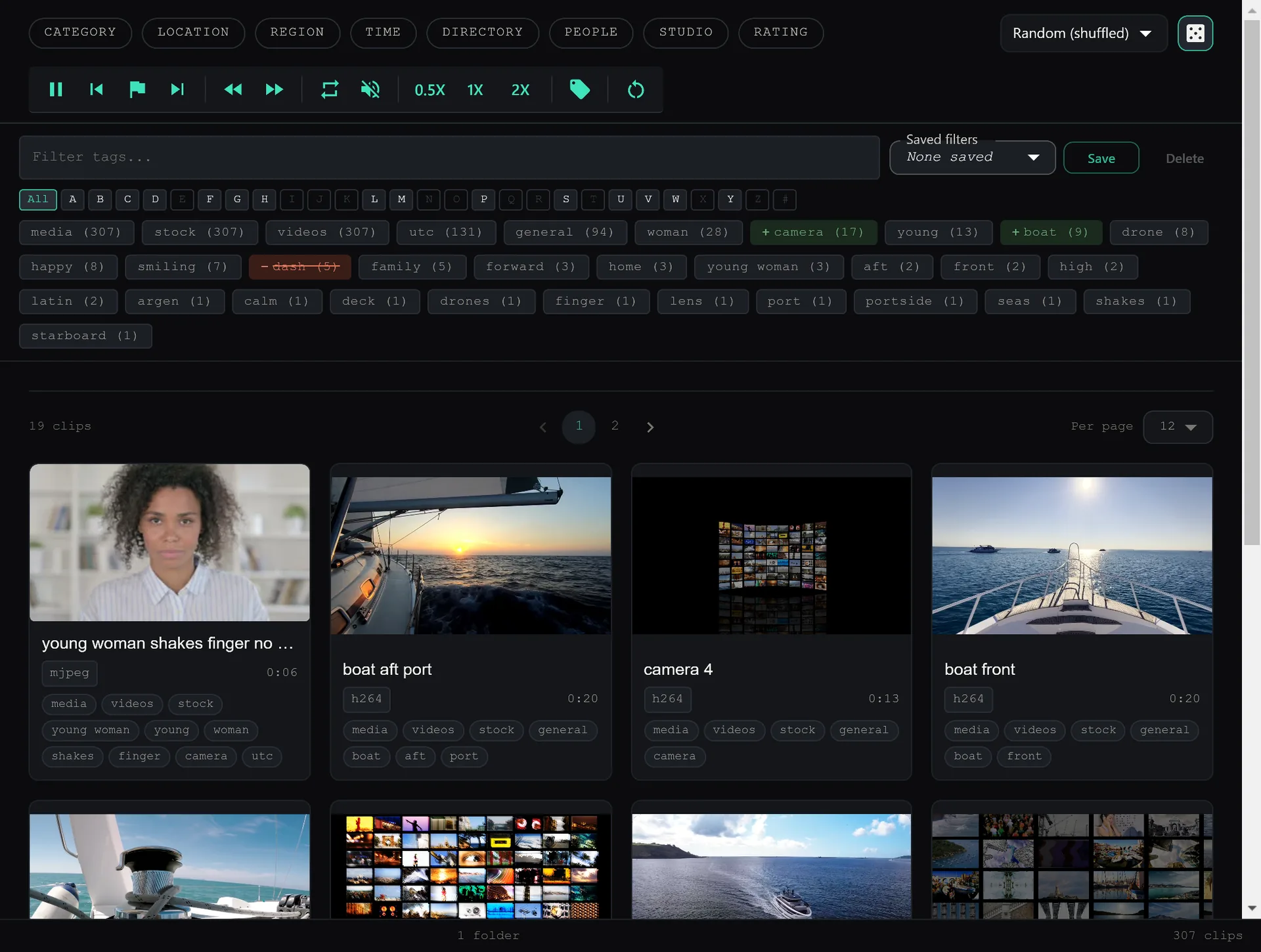
Smart Search finds what you're looking for even with typos. Fuzzy matching. Boolean logic. Category filters. Here's how to dig deep and master the search features to find any video instantly.
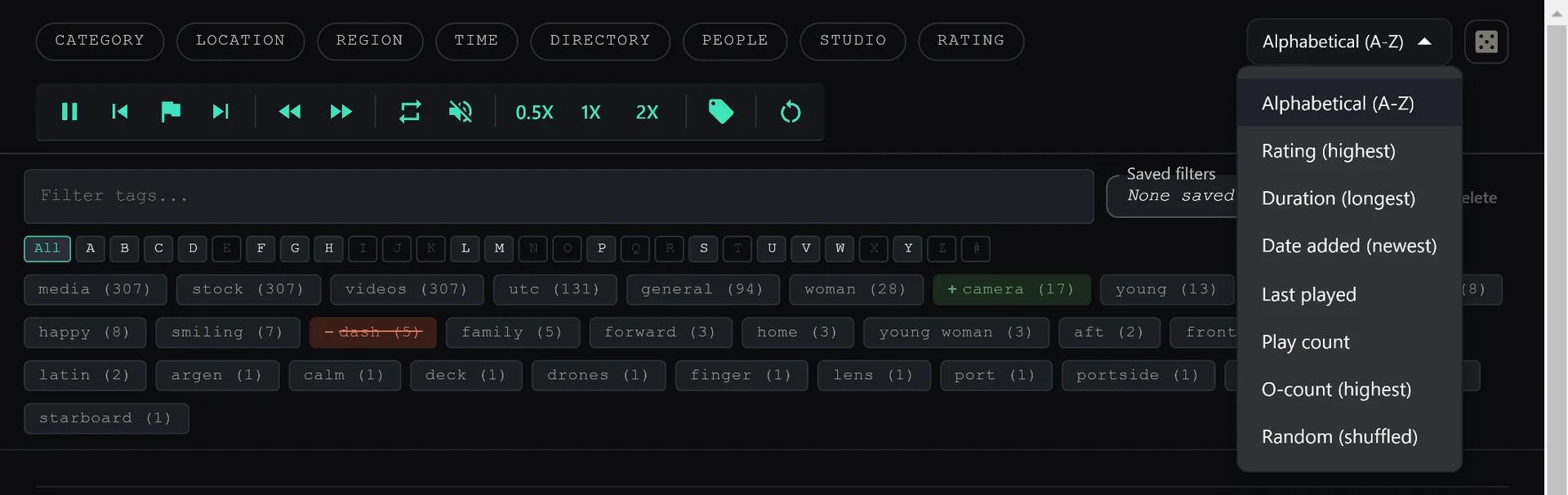
Search results, categories, tags — sort by codec, size, duration, or date in any view. Other apps reset your sort when you switch views. SiftVid doesn't.
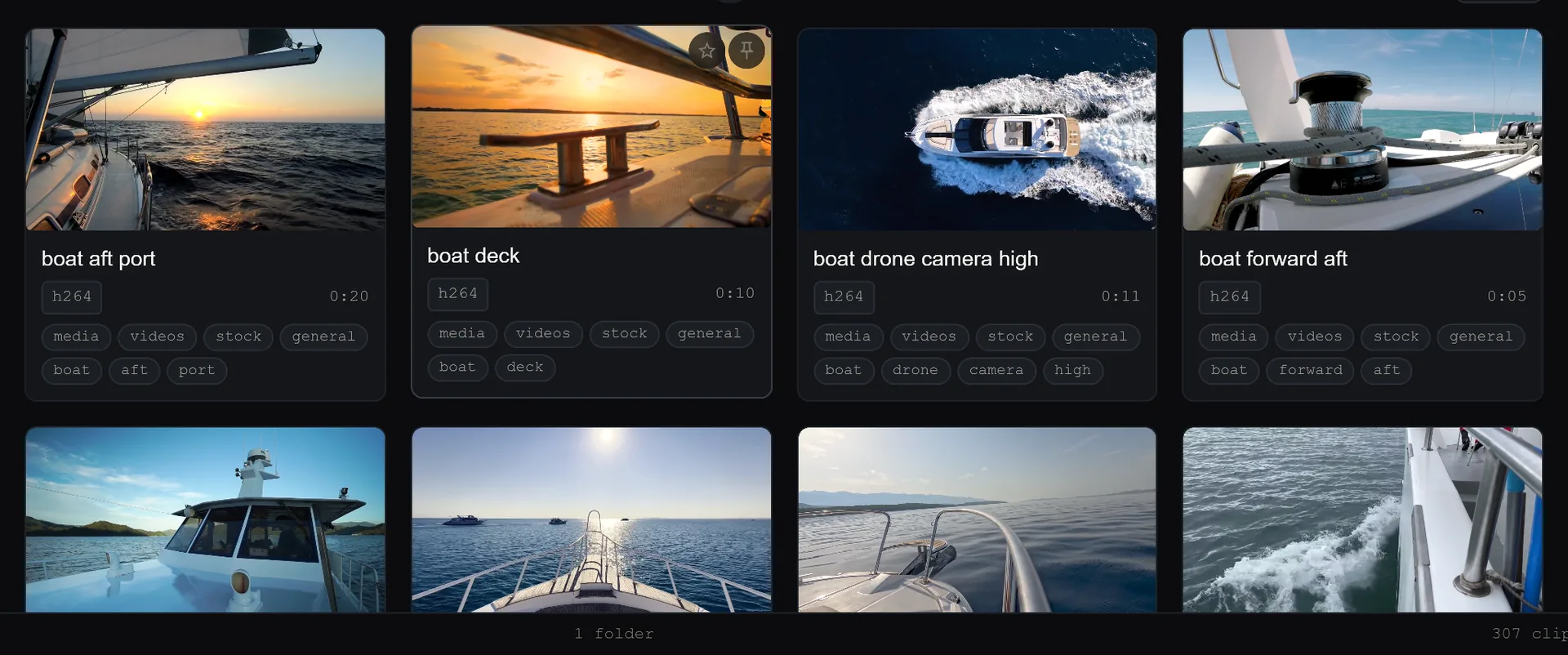
Hover over any video. Watch a 5-second preview. Click if you like it. Move on if you don't. Never waste time clicking blind again.
Point. Click. Done. Under 3 seconds for 30,000 clips. SiftVid reads filenames and extracts tags, categories, and metadata. Zero manual work.
Download. Install. Select folder. Done. Here's exactly what to do when you first open the app. From zero to fully organized in 5 minutes.